

Toronto waterfront background for booking support
Booking

Help with bookings and reservations.

Learn how to book a ride, manage your booking, communicate with drivers, and handle changes before you travel.

Secure your seatBook with confidence.
Stay informedTrip updates stay clear.
Connect easilyMessage your driver.

How bookings work

Simple steps to reserve your seat and get ready for the trip.

After you book

Everything you need to know once your booking is confirmed.

Changes and cancellations

Plans can change. Review what to do before your trip begins.

No-shows and trip issues

Get help if something does not go as expected before or during travel.

Booking questions

How do I book a ride?

Search for a ride, open the ride details, review the trip information, and follow the booking steps shown on the page.

Can I change my booking?

When changes are available, your booking page will show the next step. Some changes may depend on ride timing and seat availability.

What if the driver cancels?

If a ride is cancelled, your booking status updates and any payment handling follows the applicable policy.

What happens if I miss my ride?

Check your booking details and contact support if you need help reporting a no-show or trip issue.

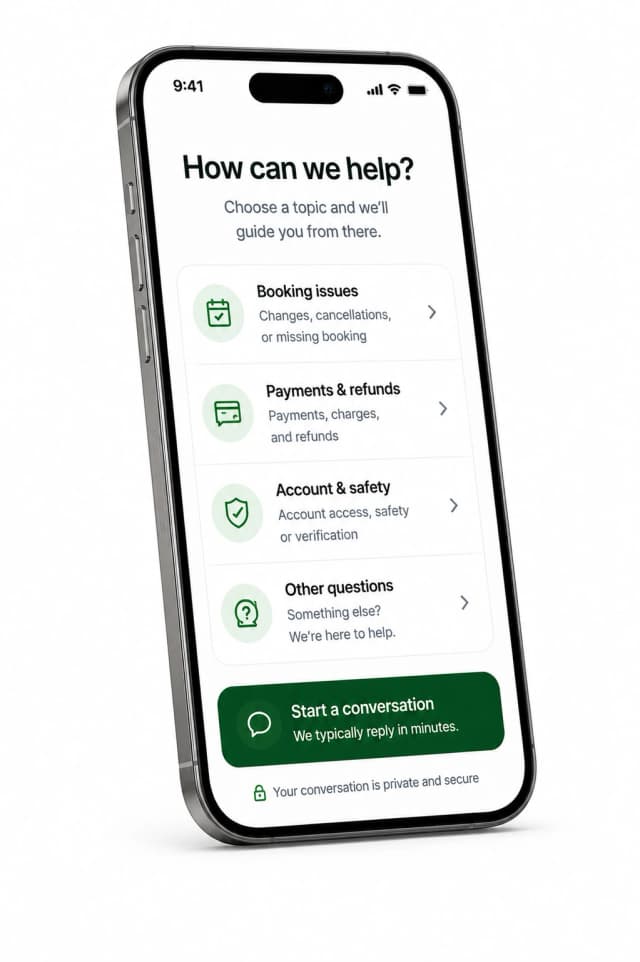
Still need booking help?

Contact CapitalCommute support for help with bookings, changes, cancellations, or any travel questions.